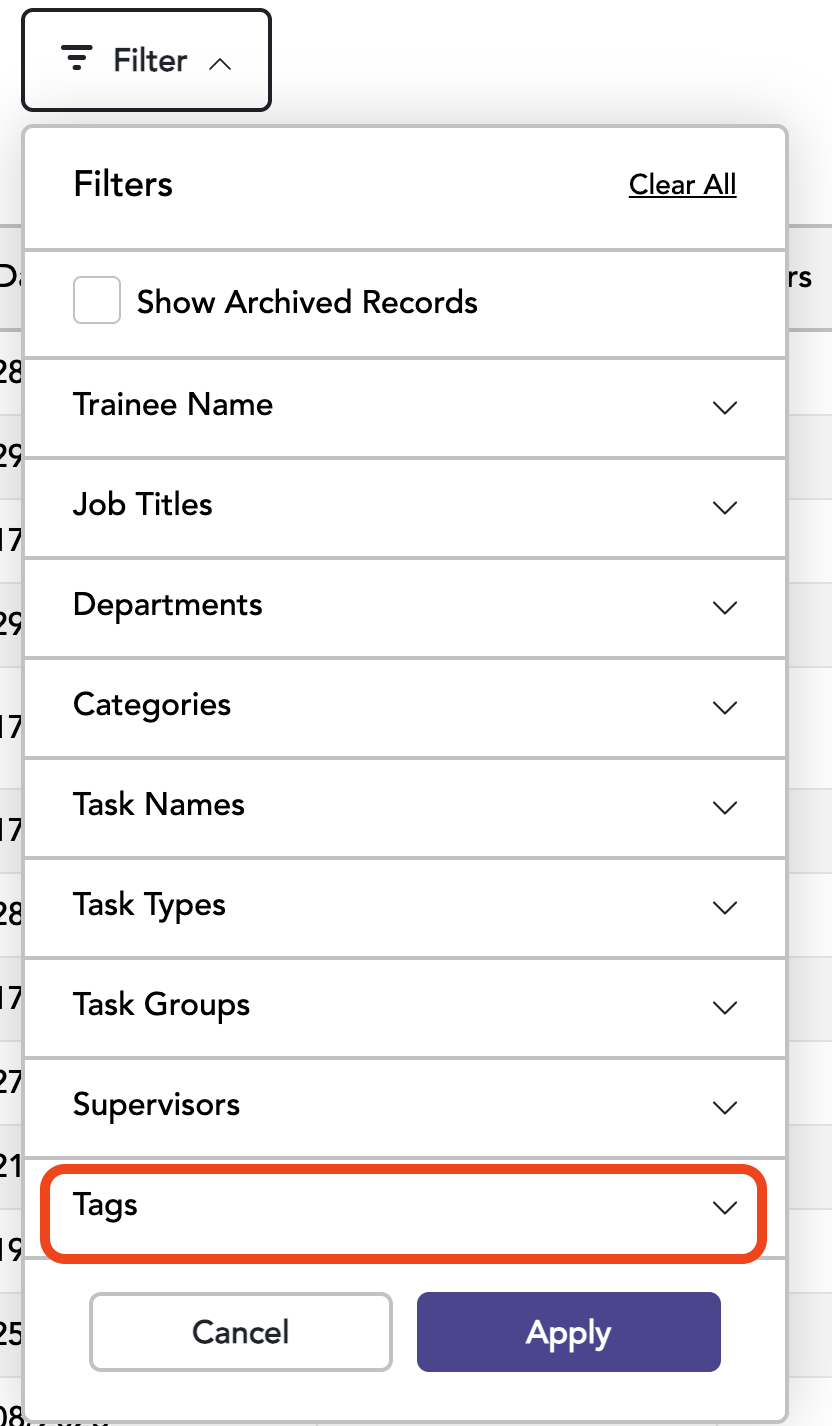
Tags can be created for specific projects, assigned to Trainees, and used to simplify searching. Multiple Tags can be assigned to a Trainee and searched simultaneously.
On the Utilities page, select the “Tags” page.
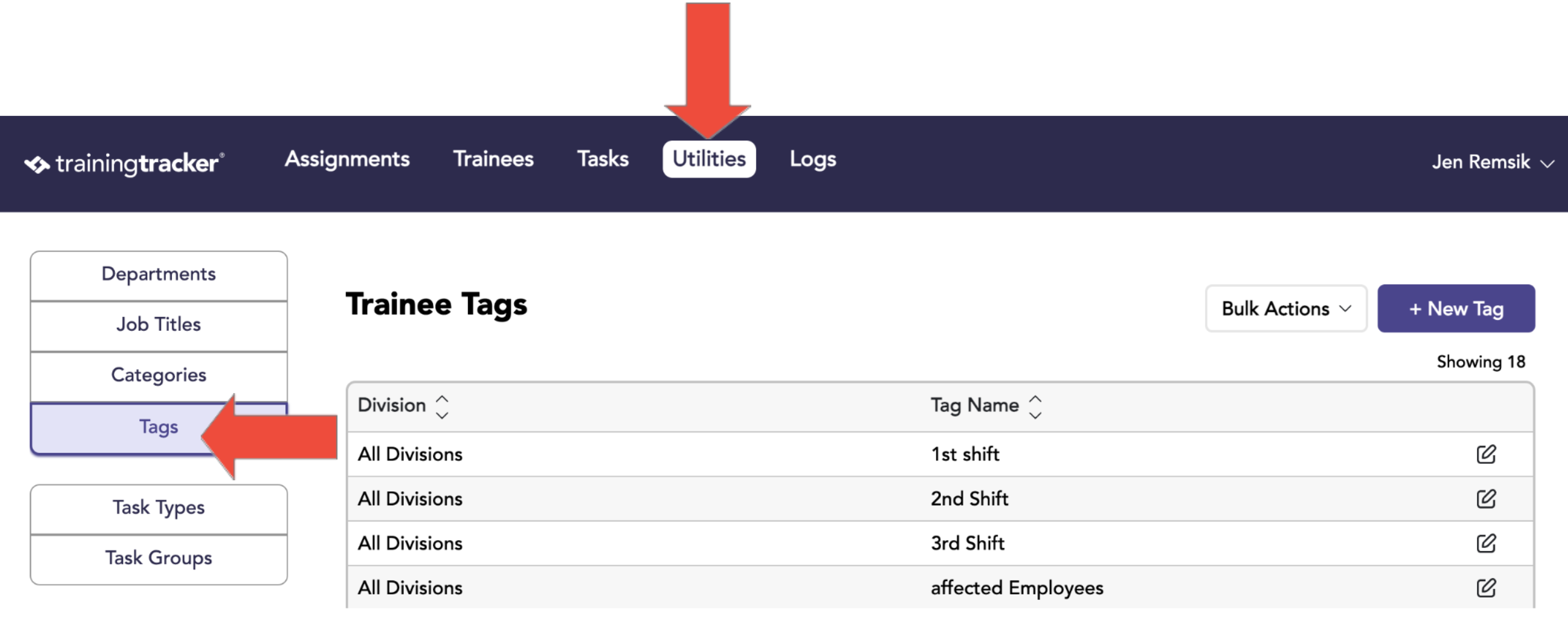
To create a Tag, click New Tag, then enter the name in the text box and select the desired division.
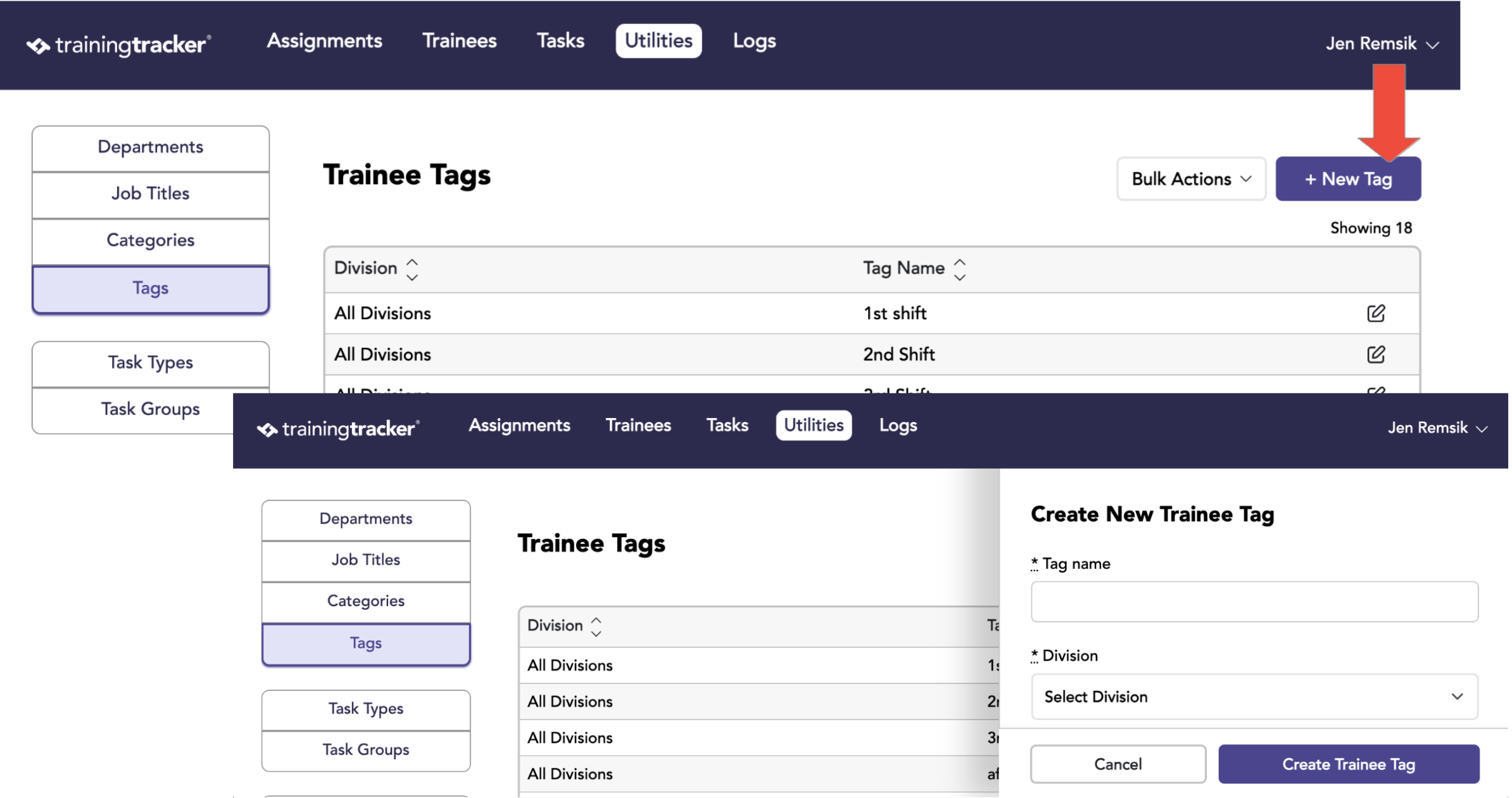
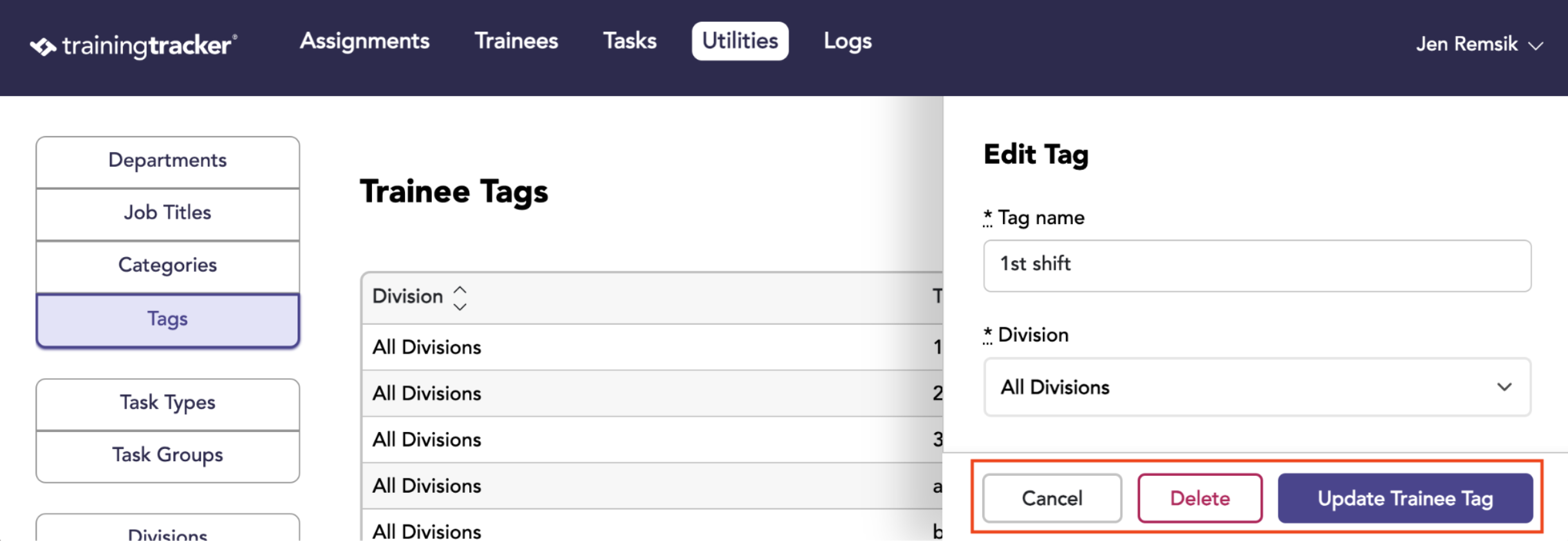
Tags can be edited by clicking on the edit button at the far right of the row.
After clicking the edit button, the Edit Tag page will appear, in which the Tag name and division can be changed. You can also delete the Tag.
When searching for Trainees and Assignments, a Tag can be selected in the filter.