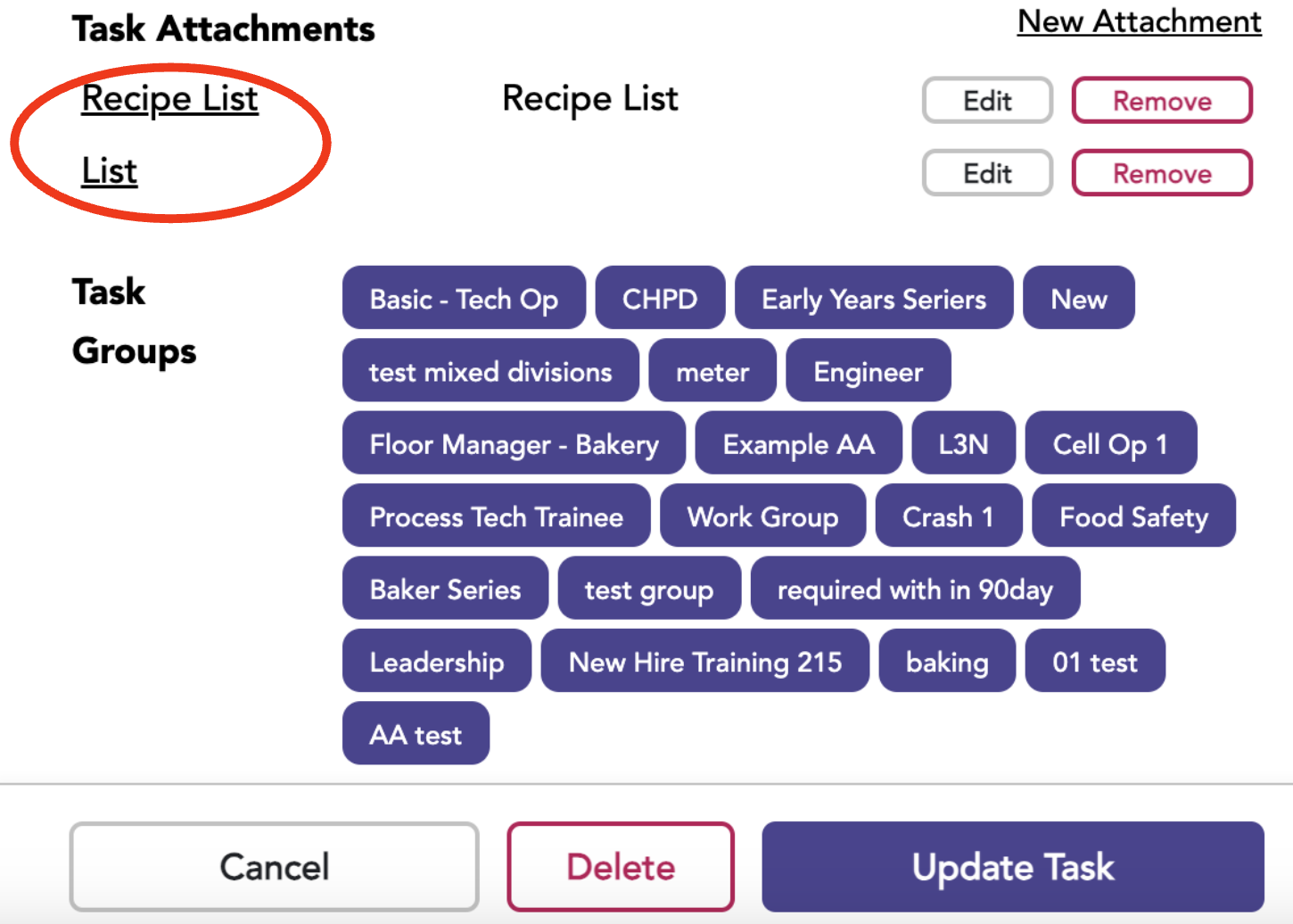
Items you might want to attach to a task (part of the Pro or Enterprise packages) can include handouts and questionnaires, to name a few.
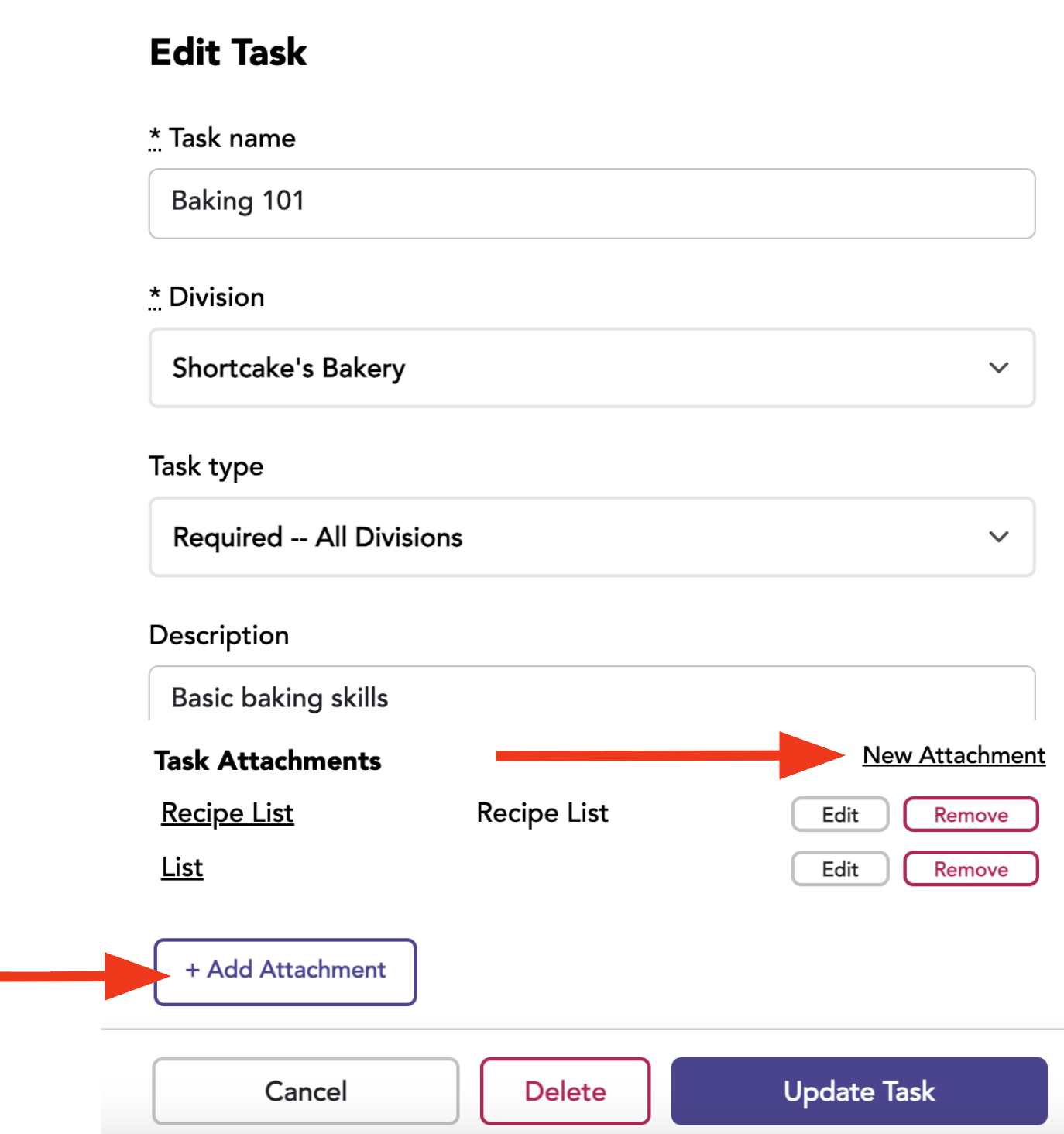
Go to the Task tab and select the edit button for the desired task.
Click New Attachment, and the Add Attachment button will appear.
Add the Attachment Details
Choose the file to be attached.
Enter a description if desired.
Click update task.
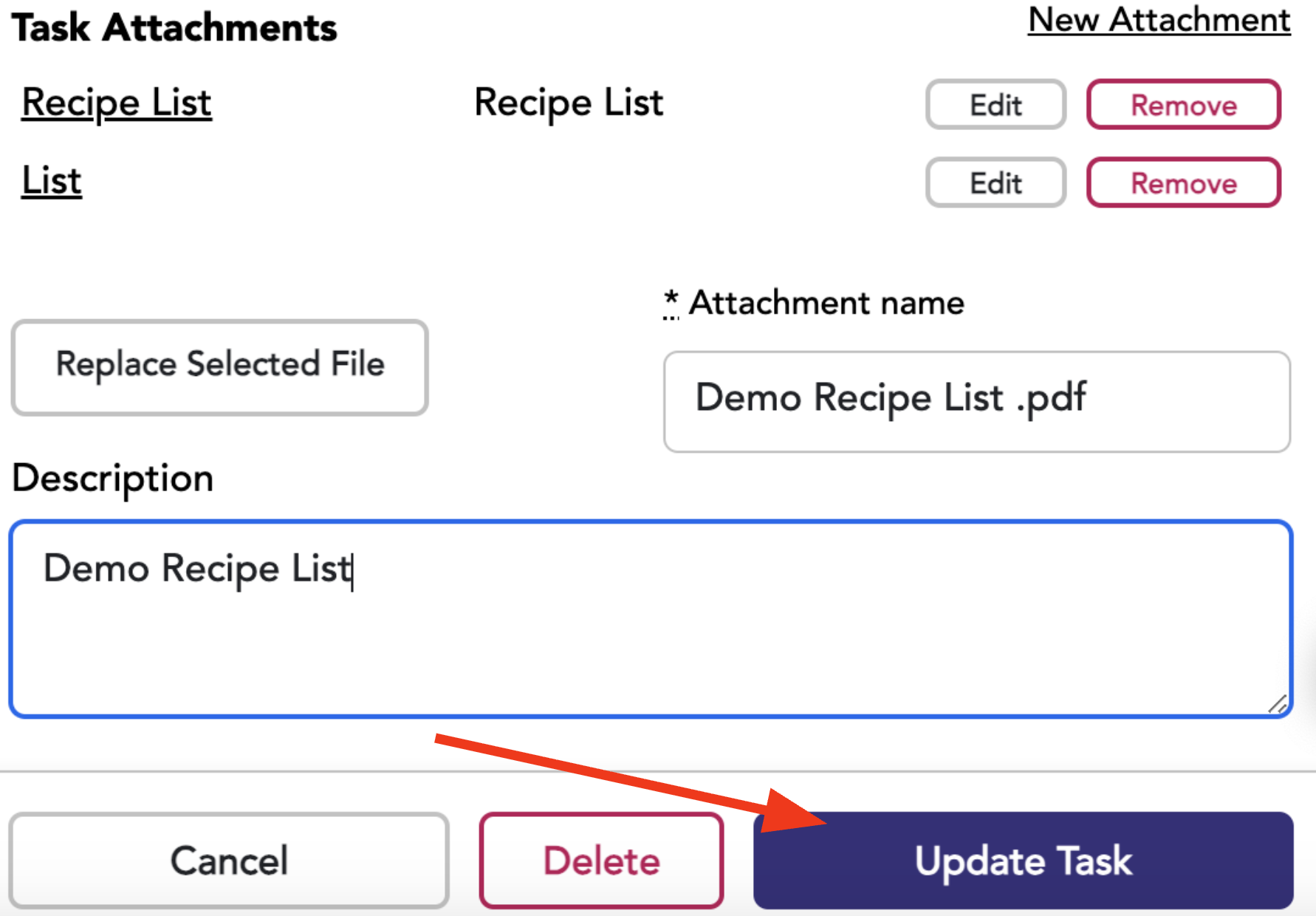
To view the attachment, select the Attachment Name, and a new tab will open. From there, you can print or download through your browser.